Getting started with the Coperniq mobile app
Last updated: November 18, 2026
Use the Coperniq mobile app to manage field work from iOS or Android. The app is designed for technicians, field teams, and managers who need to view their schedule, complete work orders, communicate with customers, and update records while away from a desktop.
Supported devices
The Coperniq mobile app is available for:
iPhone and iPad running iOS 17 or later
Android devices running Android 7.0 or later
The app is portrait-only and supports over-the-air updates, so new improvements may appear automatically when the app is opened.
Sign in
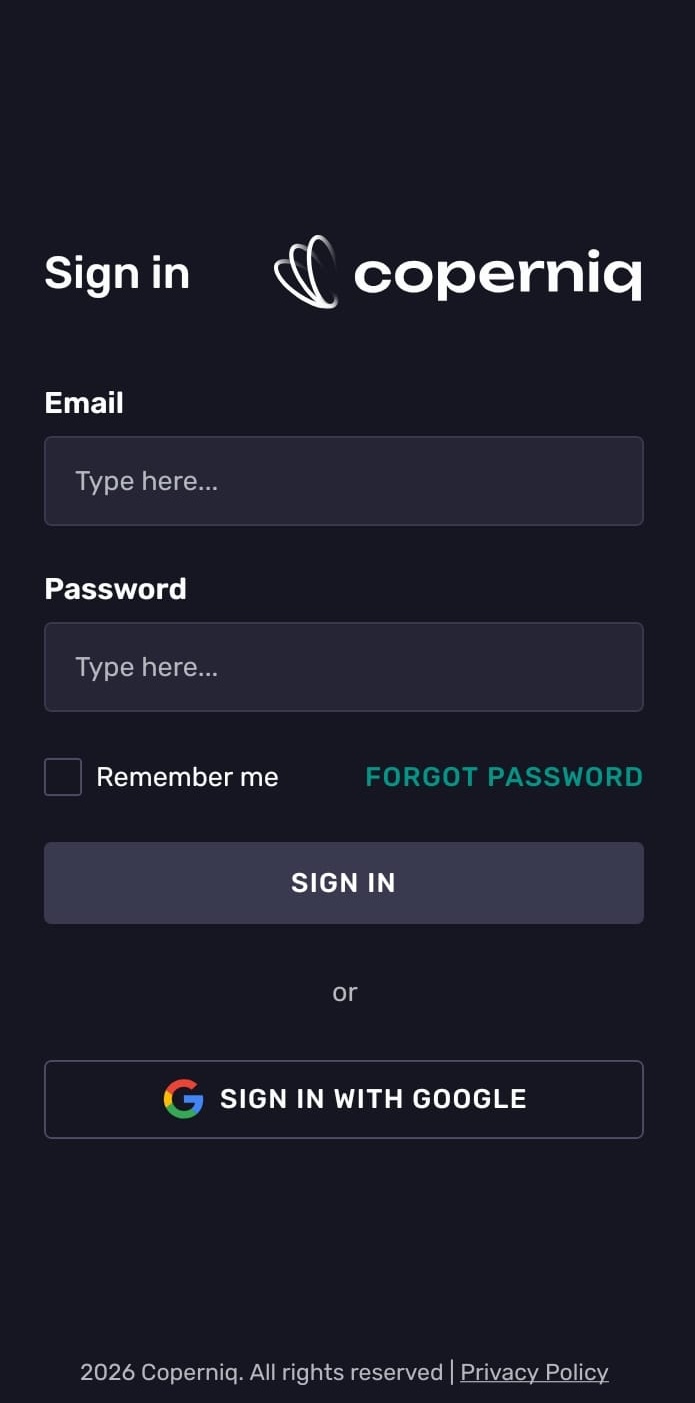
On the sign-in screen, you can log in with:
Email and password
Google sign-in
Apple sign-in, when available on your device
If you forgot your password, tap Forgot password and follow the recovery link sent to your email.
Main navigation
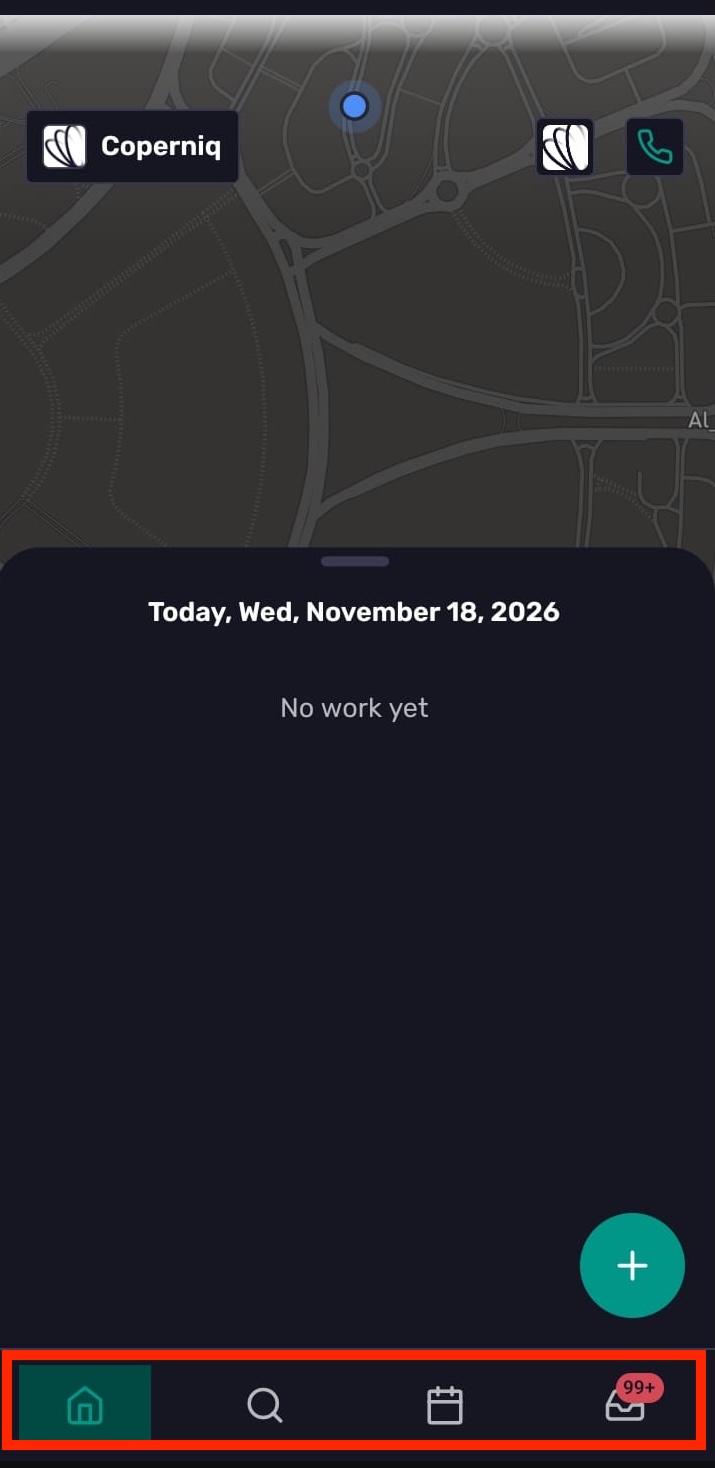
The bottom navigation has four main tabs:
Home — See today’s work on a map and list view.
Search — Search across Coperniq records.
Schedule — View scheduled tasks and reminders.
Inbox — Review emails, SMS, calls, reminders, work orders, opportunities, projects, accounts, mentions, and portal messages.
Home
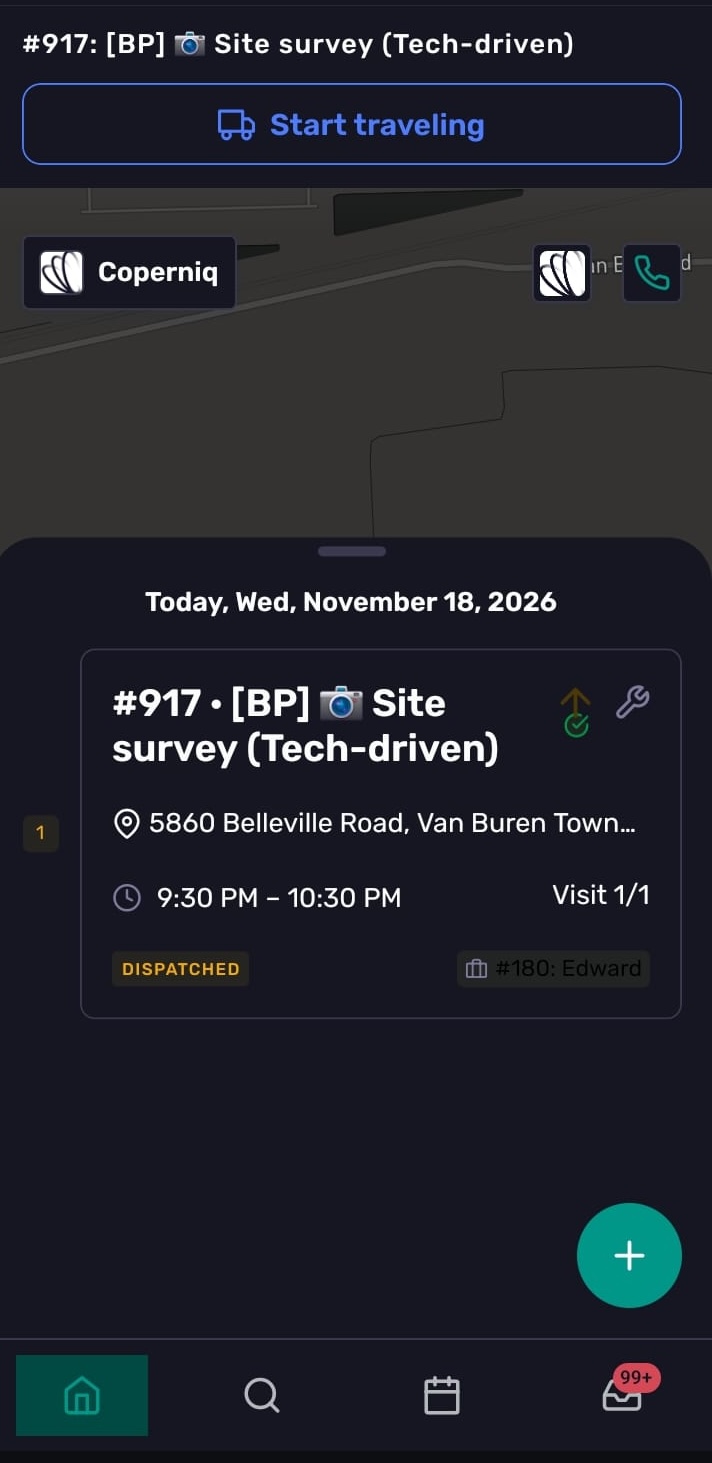
The Home tab shows a map of your visits for the day and a bottom sheet with today’s work. From Home, you can:
View today’s assigned visits
Open work orders
Switch companies, if your user belongs to more than one company
Open your profile
Access phone features
If you do not have scheduled work, the Home tab shows a No work yet message.
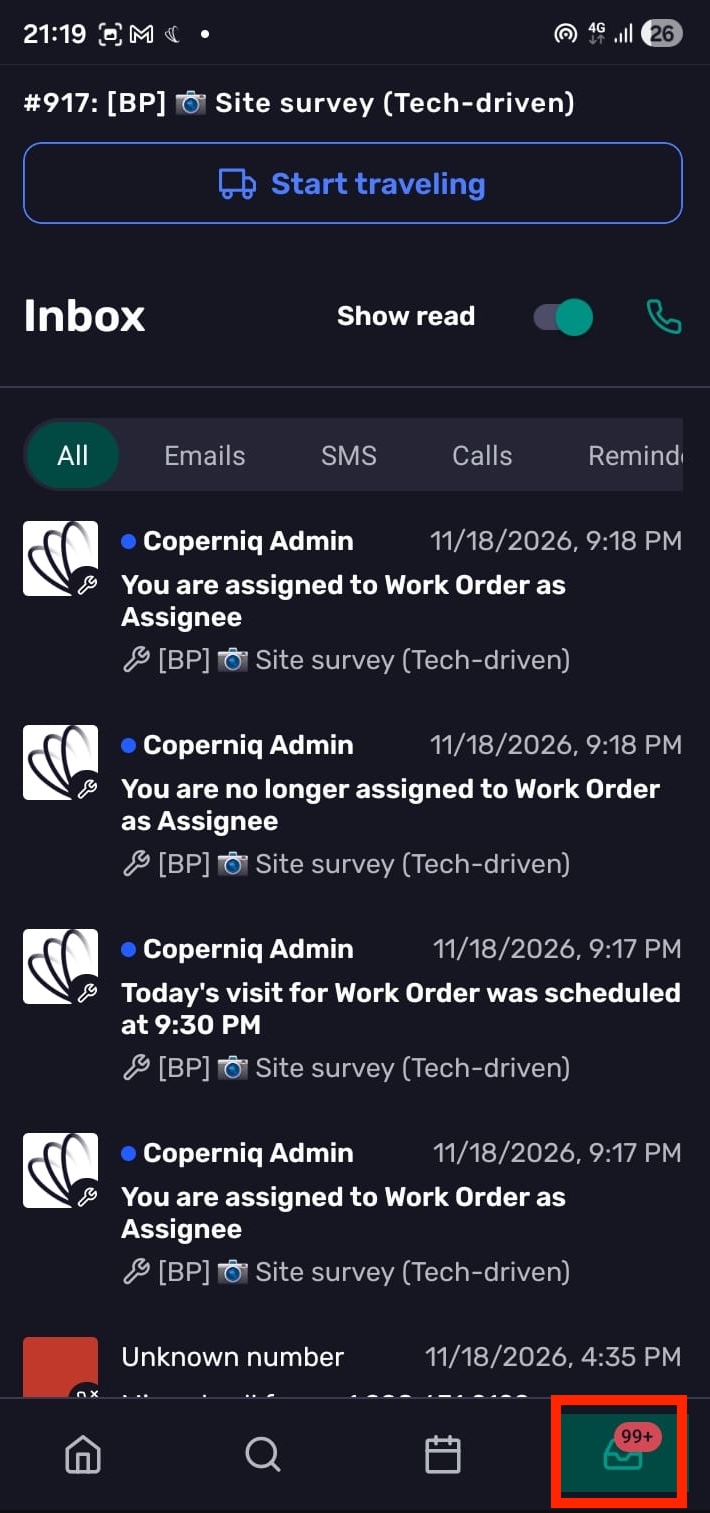
Inbox
The Inbox helps you keep up with work and communication. You can filter by:
All
Emails
SMS
Calls
Reminders
Work orders
Opportunities
Projects
Accounts
Mentions
Portal messages
You can also toggle whether to show read items.
Profile settings
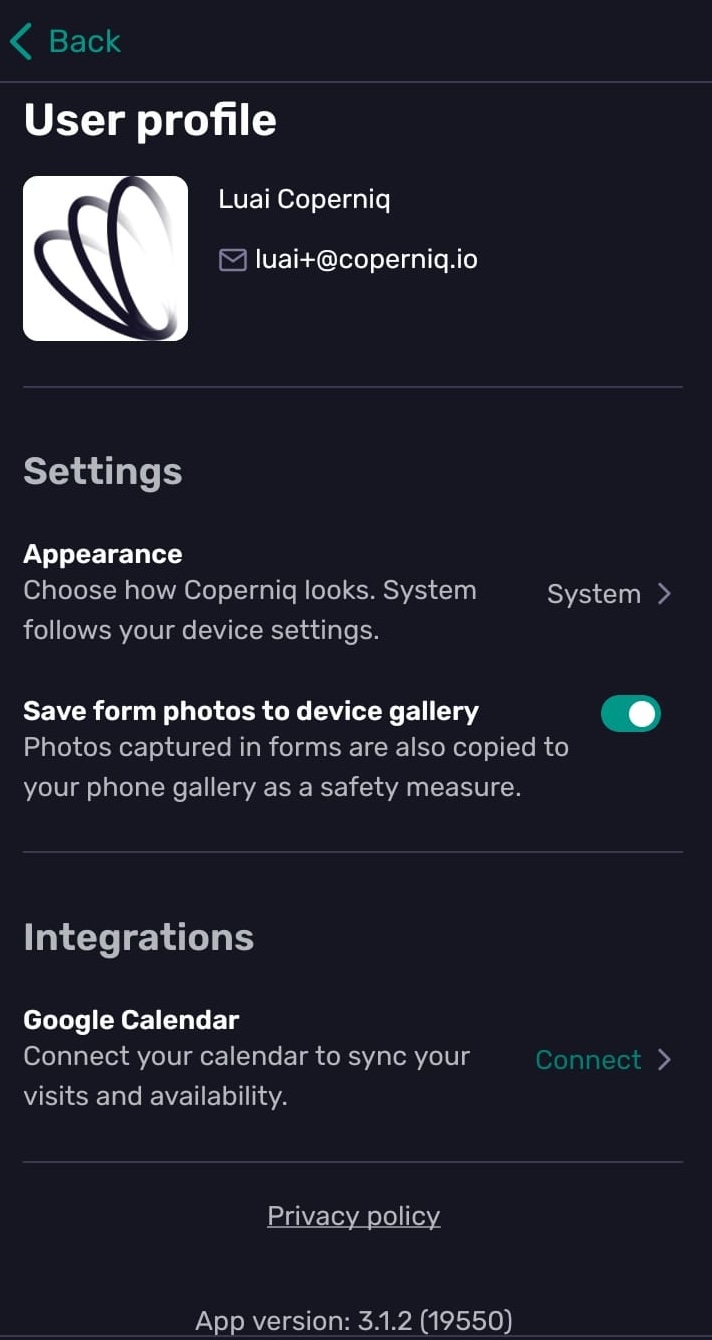
Click your profile icon at the top right of the home page to open your profile and manage mobile preferences, including:
Appearance: System, Light, or Dark
Save form photos to your device gallery
Calendar connections for Google Calendar or Outlook
Send debug info to Coperniq support
View the installed app version
Log out