Mobile Home, agenda, and create menu
Last updated: November 18, 2026
The Home tab is the main starting point for mobile field work. It gives users a map-based view of today’s agenda and quick access to common create actions.
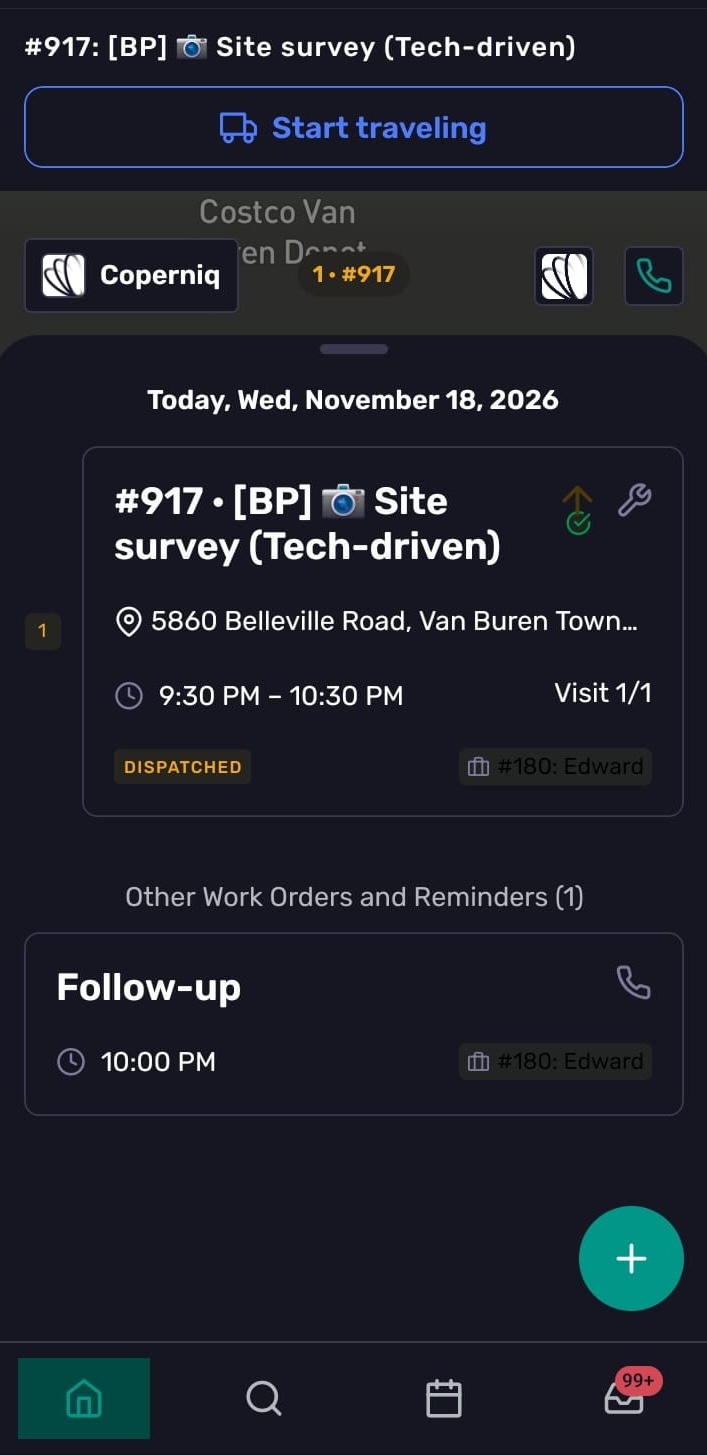
View today’s agenda
The Home tab shows today’s scheduled work in a list and map view. Use it to see where you need to go next and open assigned work.
If there is no scheduled work, Coperniq shows a no-work state.
Map and routes
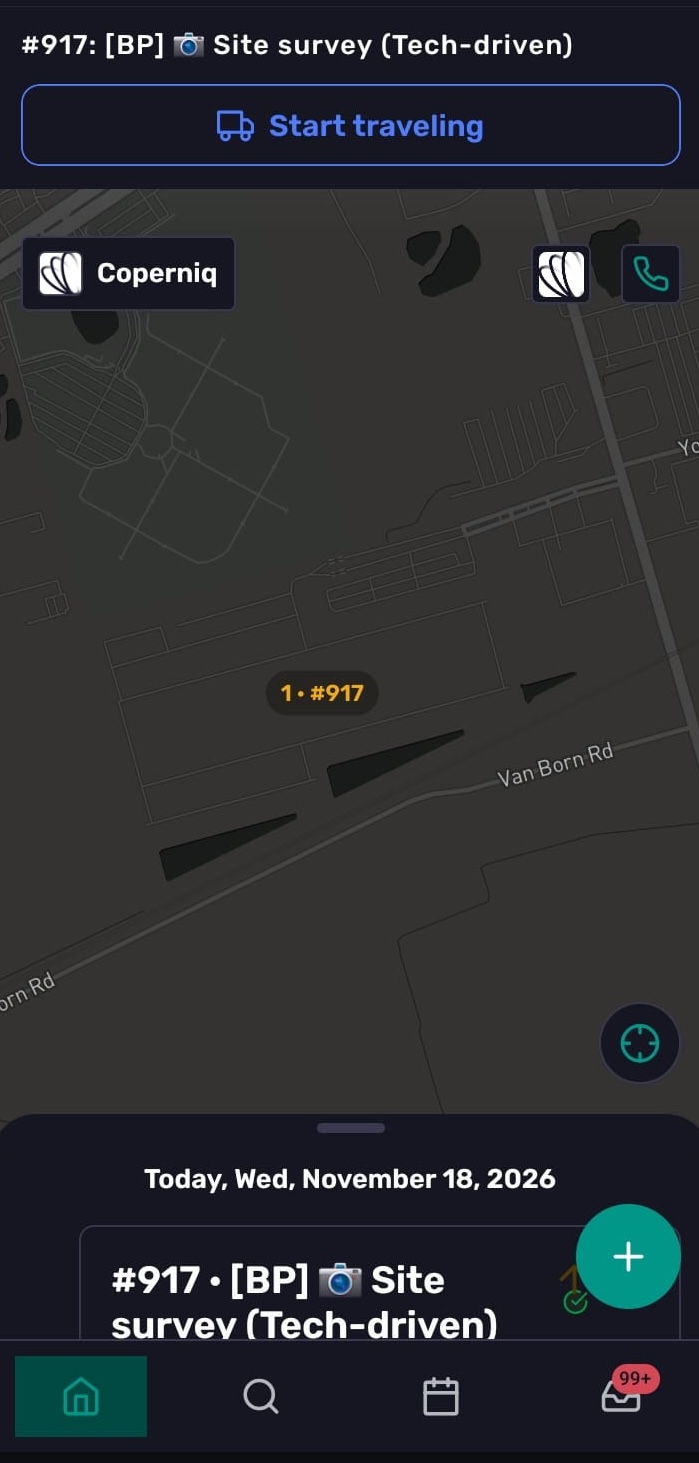
The map shows planned visits for the day and can display routes between today’s jobs.
Create new records from mobile
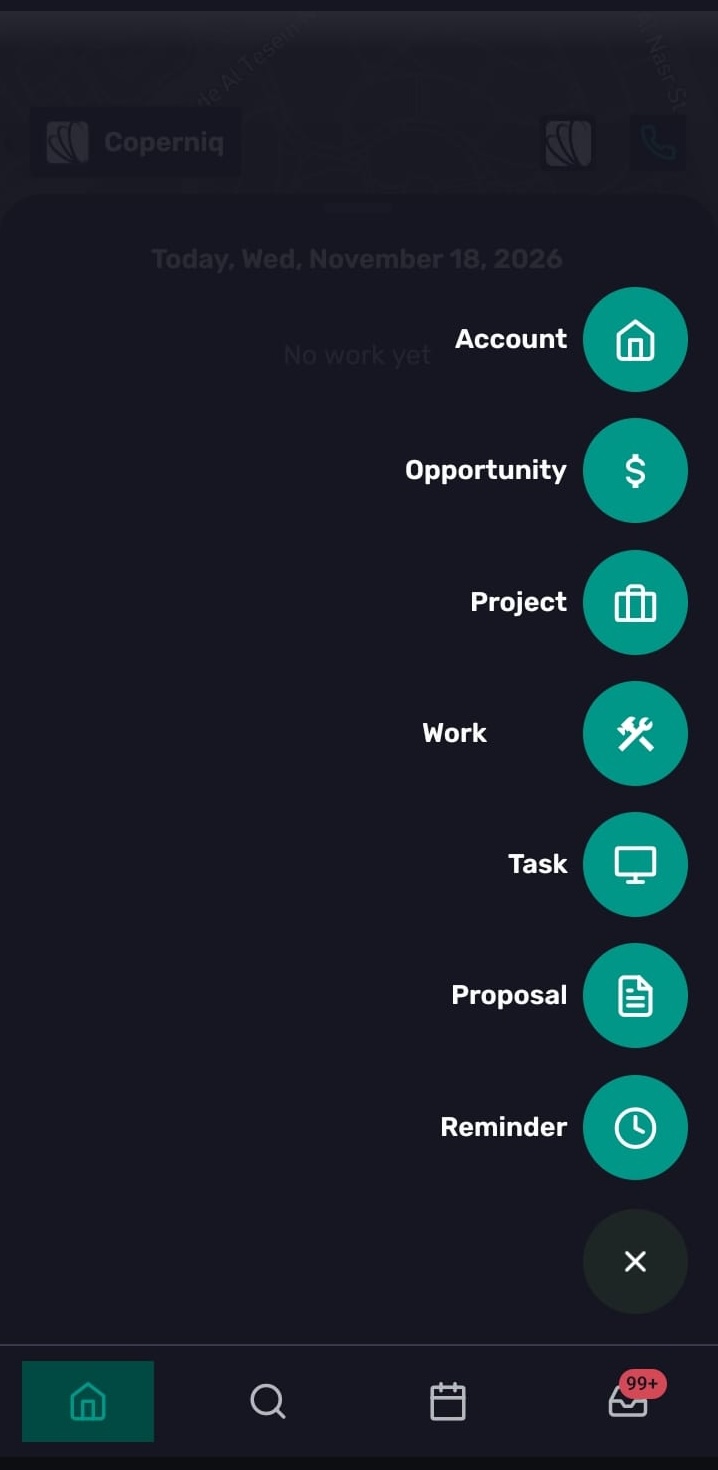
Use the global + button to create records from mobile, depending on your role permissions. Available options can include:
Account
Opportunity
Project
Work Order
Task
Proposal
Reminder
If you do not have permission to create a record type, that option may be hidden.
Switch companies
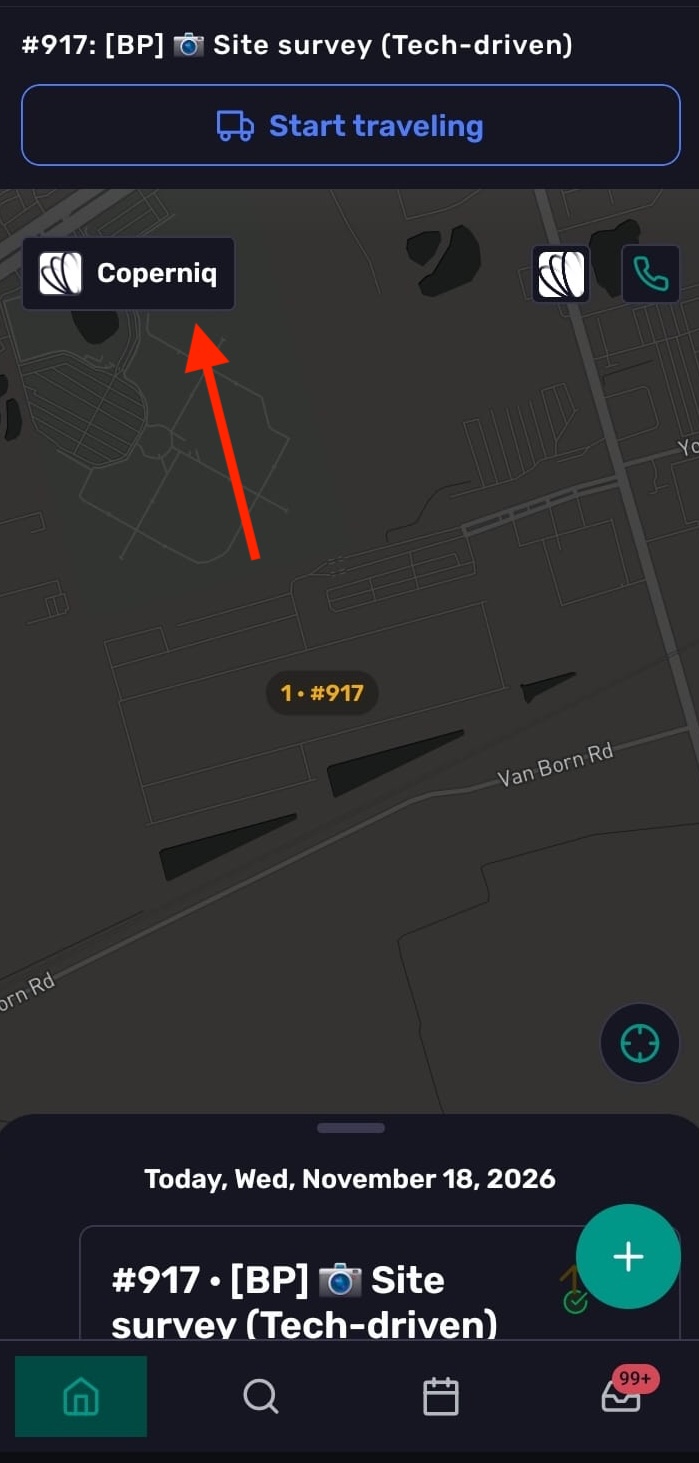
If you have access to more than one Coperniq account, tap the profile icon on the top left, then tap the company area to switch companies. If you only belong to one company, this action is disabled.
Troubleshooting
I don’t see any work on Home
Home shows work scheduled for today. Check the date and confirm the work is assigned to you.
A visit isn’t showing on the map
Check that the visit is scheduled for today and that the record has a site address.
I don’t see an option in the + menu
The option may be hidden because your role doesn’t have permission to create that record type.
I can’t switch companies
Company switching is available only if you belong to more than one company.