Coperniq Mobile App: Install & Log In Guide (iOS & Android)
Last updated: January 9, 2026
Estimated reading time: 1–2 minutes
🧭 Overview
This guide walks you through the process of downloading, installing, and logging into the Coperniq mobile app on both iOS and Android devices.
Step 1: Download the App
For iOS (iPhone/iPad):
Open the App Store.
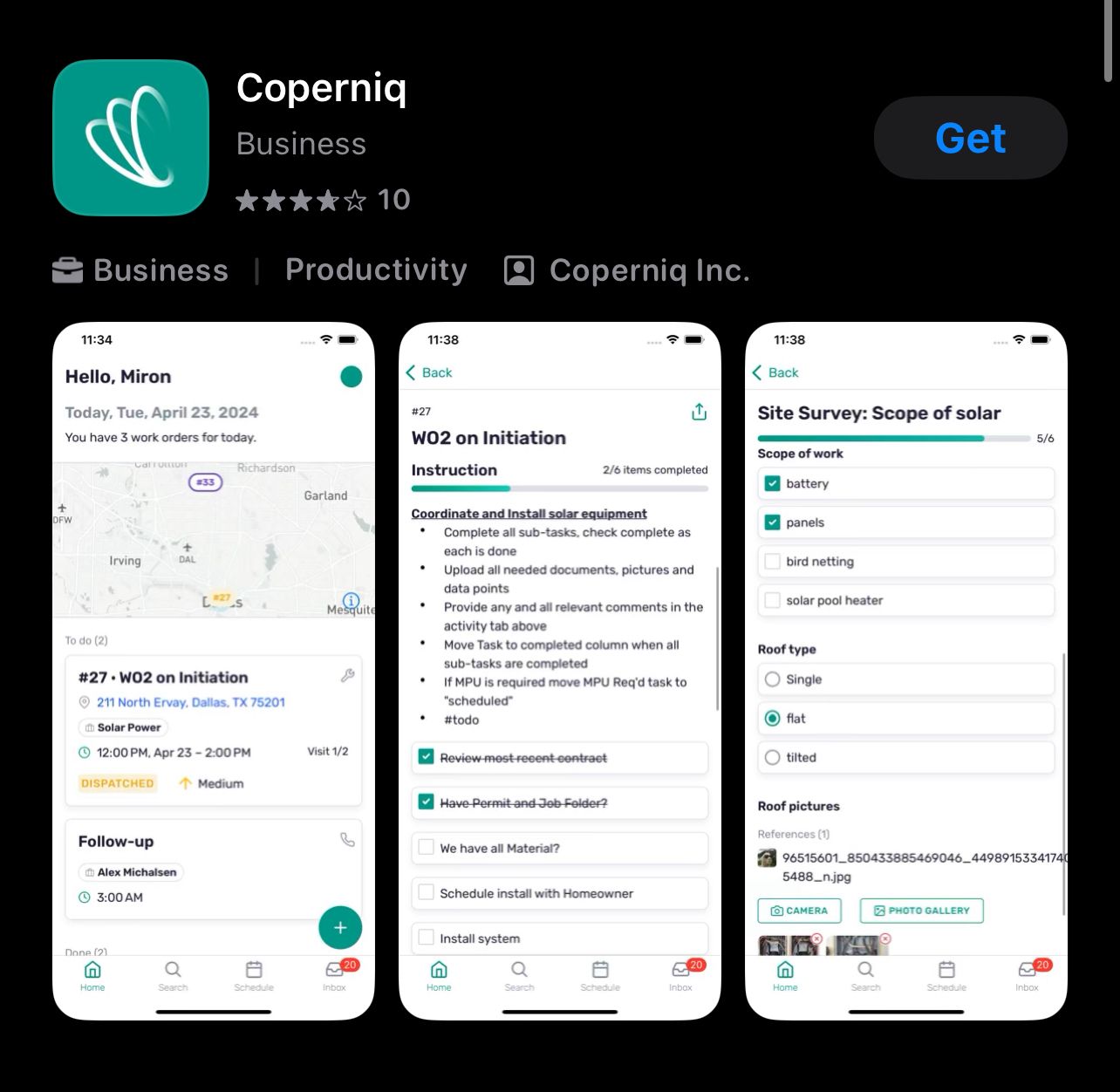
Search for "Coperniq".
Tap the Get icon next to the official Coperniq app.
Wait for the app to install.
For Android:
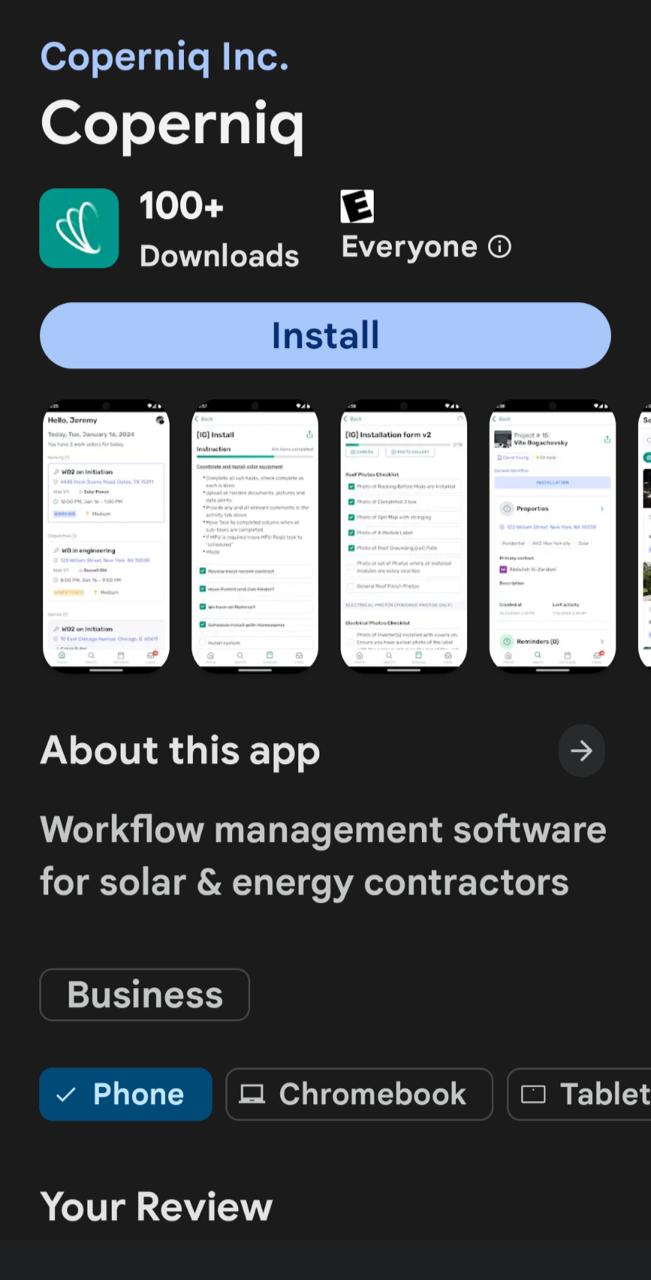
Open the Google Play Store.

Search for "Coperniq".
Tap Install next to the official Coperniq app.
Wait for installation to complete.
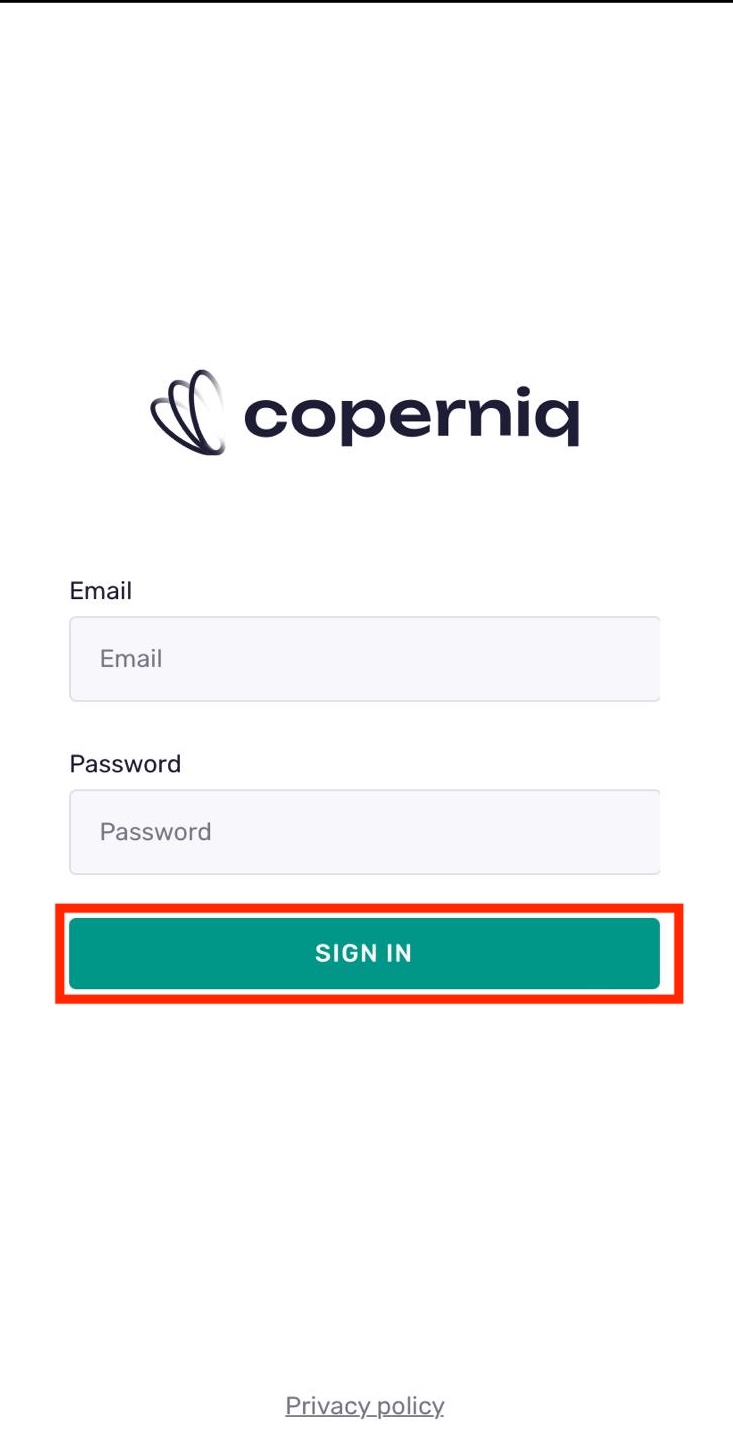
Open the Coperniq app.
Enter your email address and password associated with your Coperniq account.
Tap SIGN In.
Best Practices
Make sure you download the official Coperniq app from the App Store or Google Play.
Use your assigned login credentials or sign in with Google.
Keep the app updated for the best experience.