Company Setup and General Settings
Last updated: October 6, 2026
Estimated reading time: 2–3 minutes
Overview
Use General Settings to configure your company information, business hours, trades, and profitability preferences in Coperniq.
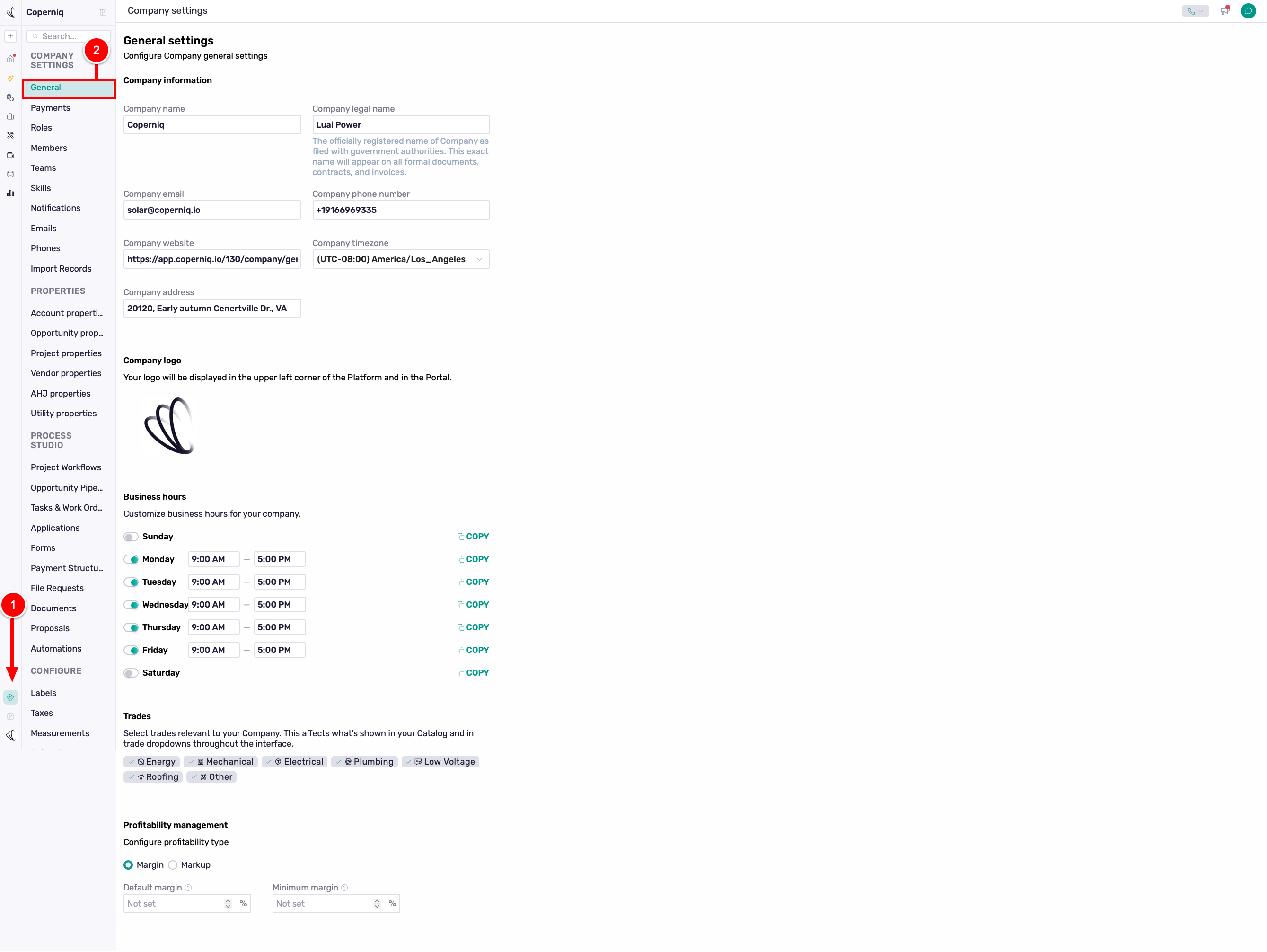
To get started, go to Company Settings → General.
Company Information
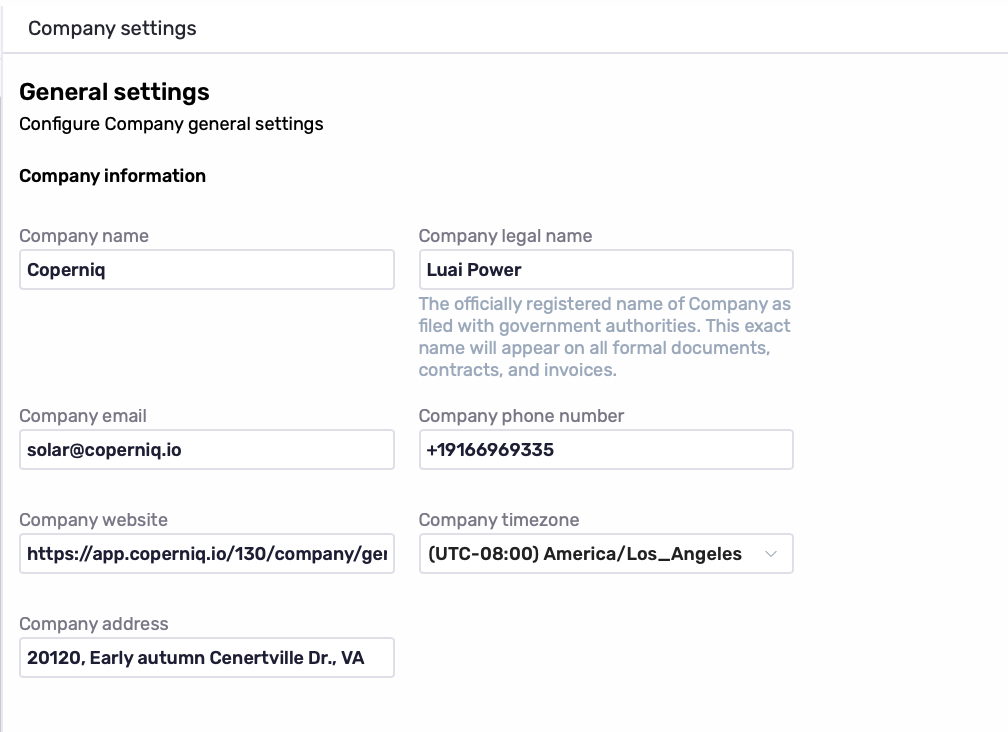
Add your company’s core details:
Company Name
Company Legal Name: The officially registered name used on formal documents, contracts, and invoices.
Company Email
Company Phone Number
Company Website
Company Timezone
Company Address
Company Logo
Upload your Company Logo to apply your branding. Your logo appears in the upper-left corner of Coperniq and in the Portal.
Tip: Make sure your timezone is correct, as it affects scheduling and other time-based activity in Coperniq.
Business Hours
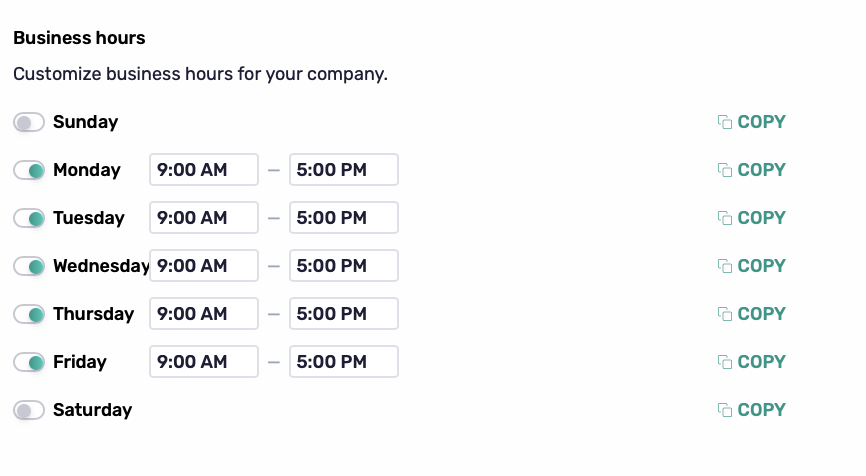
Set your company’s standard operating hours.
For each day, you can:
Turn the day on or off.
Set the start and end times.
Use Copy to apply the same hours to other days.
Trades
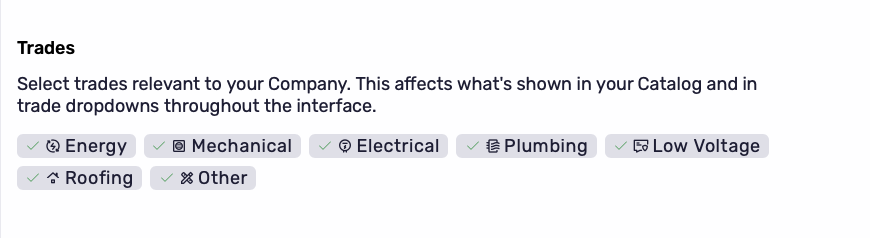
Select the trades relevant to your company, such as Energy, Mechanical, Electrical, Plumbing, Low Voltage, Roofing,or Other.
Your selections determine what appears in your Catalog and trade dropdowns throughout Coperniq.
Profitability Management
Configure how profitability is managed when creating proposals.
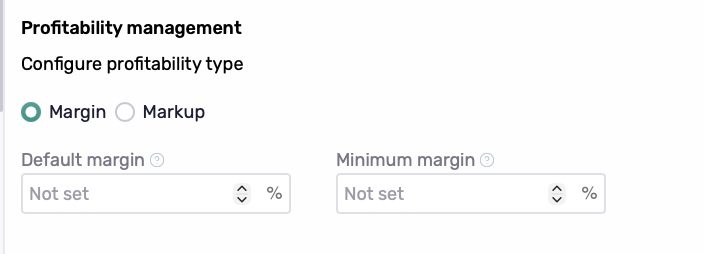
Profitability Type
Choose how your company calculates profitability:
Margin
Markup
This setting applies to new proposals. Existing proposals keep their current profitability type.
Default Margin or Markup
Set the default profitability percentage for new proposals. This gives new proposals a starting margin or markup based on your company’s standard.
Minimum Margin or Markup
Set the minimum overall profitability at which a proposal can normally be sold.
Only roles with the Override minimum profitability permission can sell a proposal below this amount.
Note: Changes to your profitability type or default profitability apply to new proposals and do not change existing proposals.
Best Practices
Before your team starts working in Coperniq:
Confirm your company information and timezone are correct.
Add your company logo.
Configure your standard business hours.
Select the trades relevant to your business.
Set your preferred profitability type and appropriate default and minimum values.