Why does my email connection status show "syncing" instead of "connected"?
Last updated: October 6, 2026
Context
After connecting email accounts to the system, users may notice that some email accounts remain in a "syncing" status instead of showing as "connected". This status may persist even though the email functionality appears to be working normally.
Answer
If you see a "syncing" status for connected email accounts, here's what you should know:
The "syncing" status typically changes to "connected" automatically once the initial sync is complete
Sometimes the status indicator may get stuck showing "syncing" even though the email connection is working properly
A "syncing" status does not affect the functionality of the email integration - you can continue using the system normally
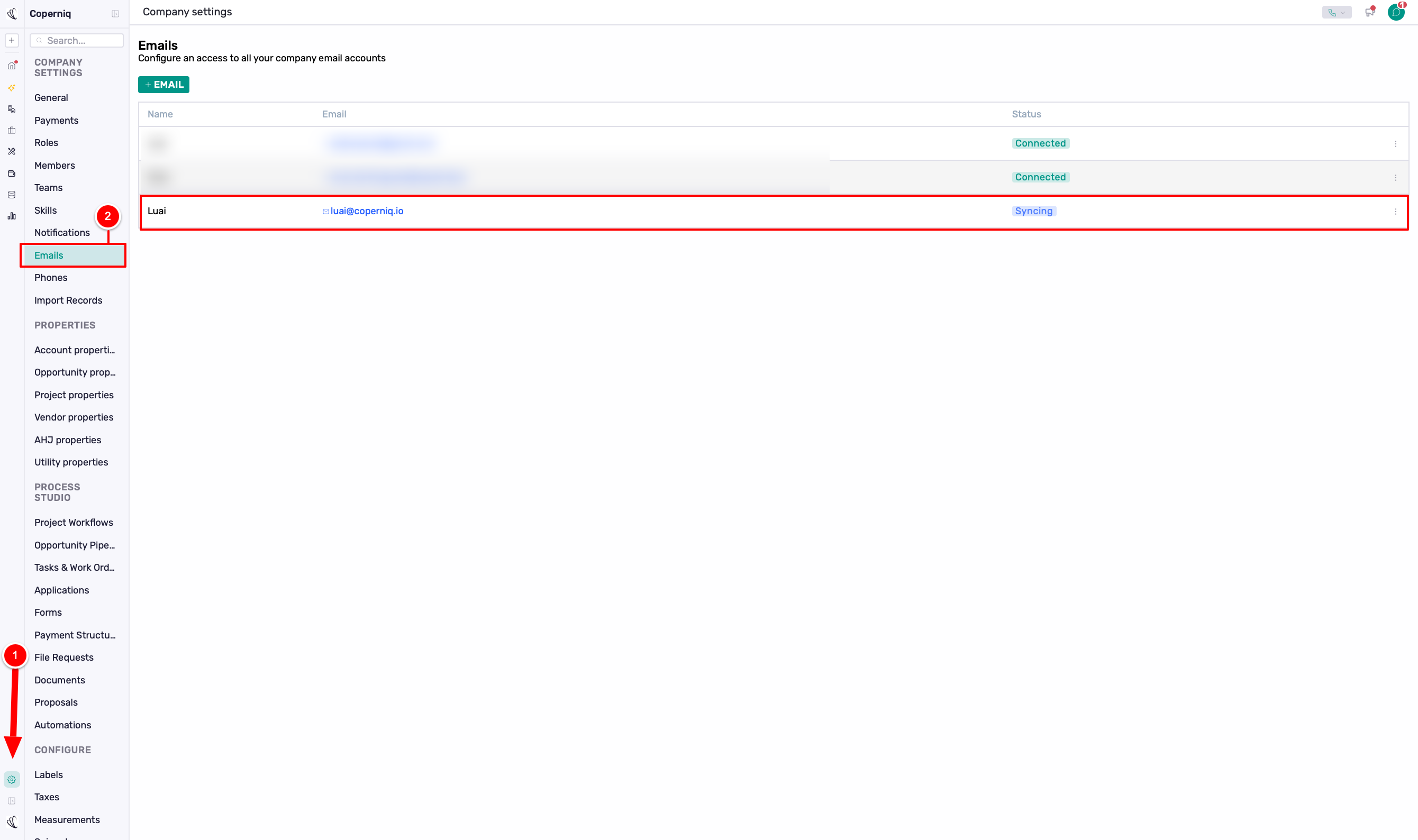
If the status remains stuck on "syncing" for an extended period:
Try removing and re-adding the email connection
If the issue persists, contact support for assistance
Note: Even if the status shows as "syncing", your email integration should continue to function normally and maintain all communication history.