How do I control project visibility for different teams and users?
Last updated: September 30, 2026
Context
Organizations often need to limit which projects different users and teams can see within Coperniq. Common scenarios include: - External sales organizations that should only see their own projects - Team members who shouldn't see other teams' projects - Maintaining privacy between different organizations using the system
Answer
Project visibility in Coperniq is controlled through roles and permissions. By default, there are 4 roles that cannot be changed. These roles have faded slider buttons. You can add more roles with specific permissions.

Here's how to add more roles
1. Create Appropriate Roles with Permissions
First, create roles with the correct permission levels:
Go to Workspace Settings > Roles
Create a new role (e.g., "Sales" or "Project Manager")
Under permissions, set record visibility to "My" instead of "All" to restrict users to only seeing their own records
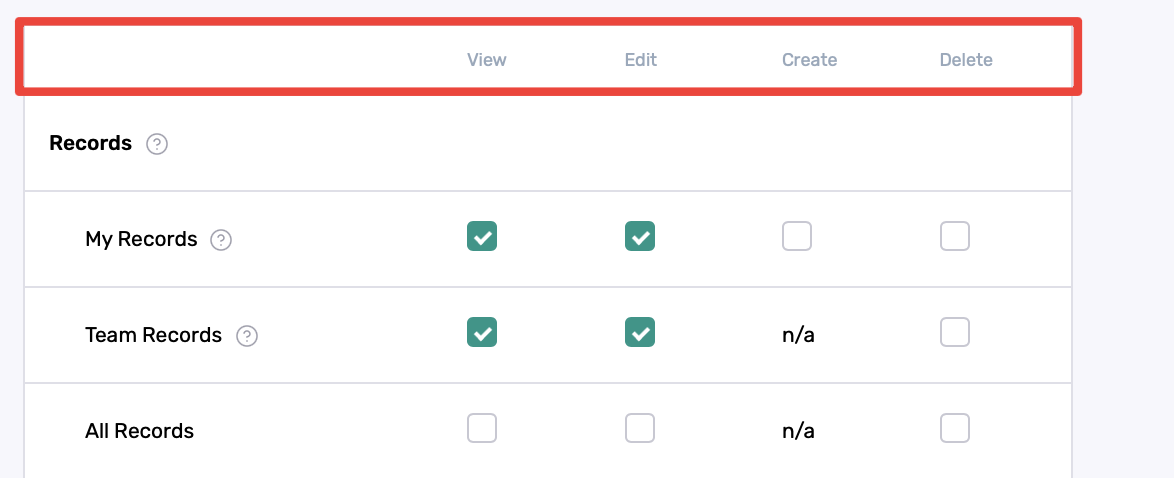
On the left are the types of data you are setting permissions for
On the top, you can determine if the user has the ability to "View", "Edit", "Create", and/or "Delete" the data. For example, checking only "View" for My Records will allow the user to only view and not edit, create or delete his/her own record
2. Assign Users to Roles
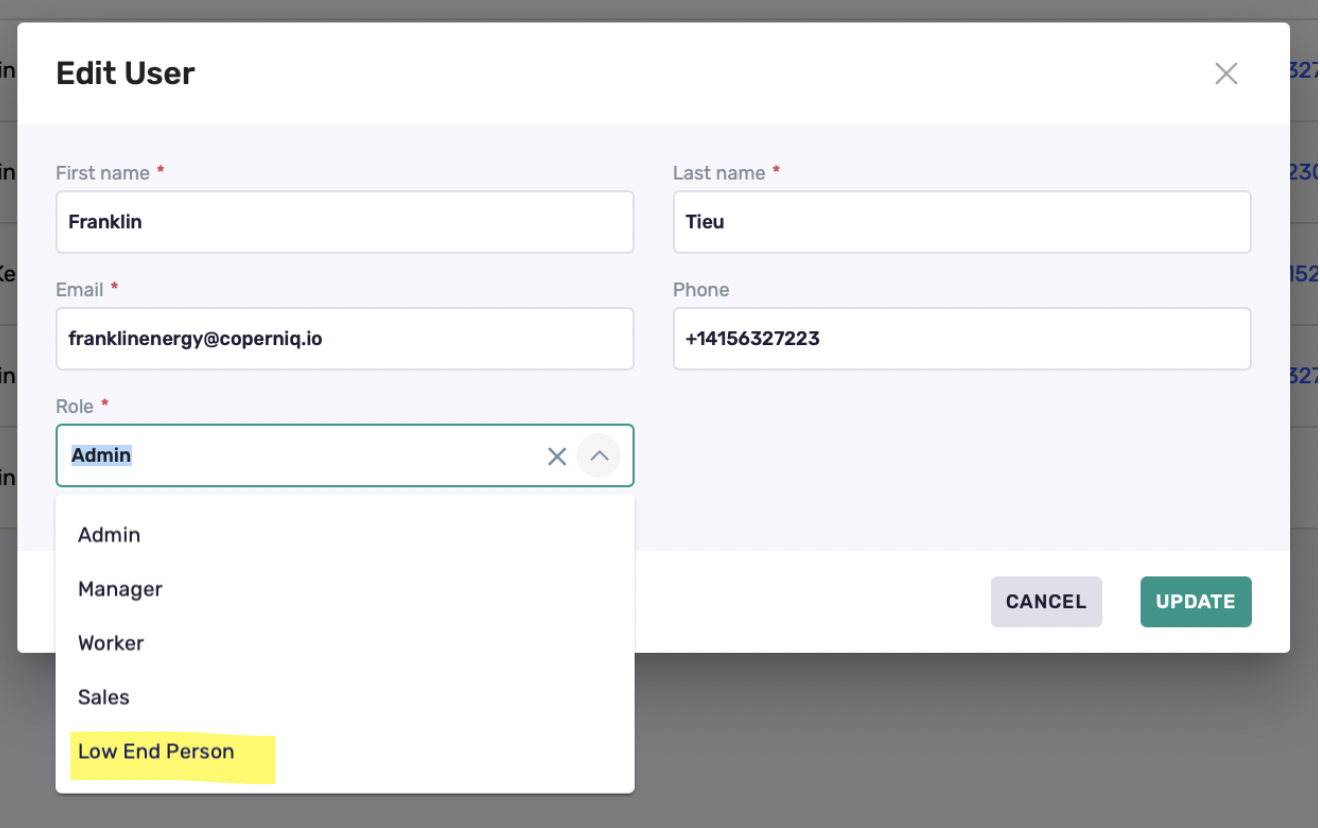
Important considerations when assigning roles:
Role changes affect all users with that role
Create separate roles if different teams need different visibility levels
Avoid using the "Admin" or "Manager" role unless users need to see all company records
If you have specific permissions that do not exist on the default roles, you may create a new one (see #1)
3. Project and Work Order Access
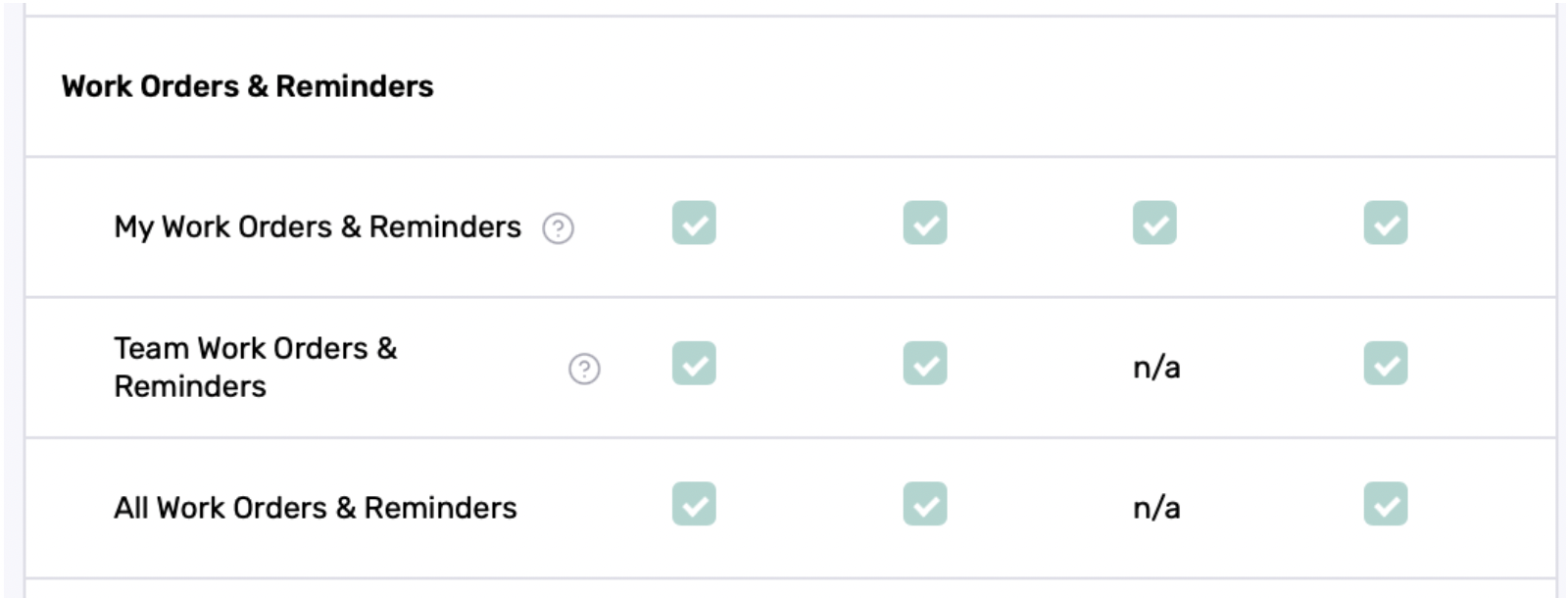
A Project is consider a "Record". A user could be set to either see "My", "Team" or "All" records. Work Order is an underlying item of a project. A user may see a project but their view on the Work Order level can be permissioned as well.
Best Practice: Start with more restricted access and gradually grant additional permissions as needed rather than starting with broad access.