Create a Client
Last updated: January 4, 2026
Estimated reading time: 1–2 minutes
Overview
There are two ways to create a client in Coperniq:
Directly from the Clients section
Automatically while creating a new project
Both methods ensure a client record is created and ready to be linked with future projects.
Method 1: From the Clients Section
Steps to Create:
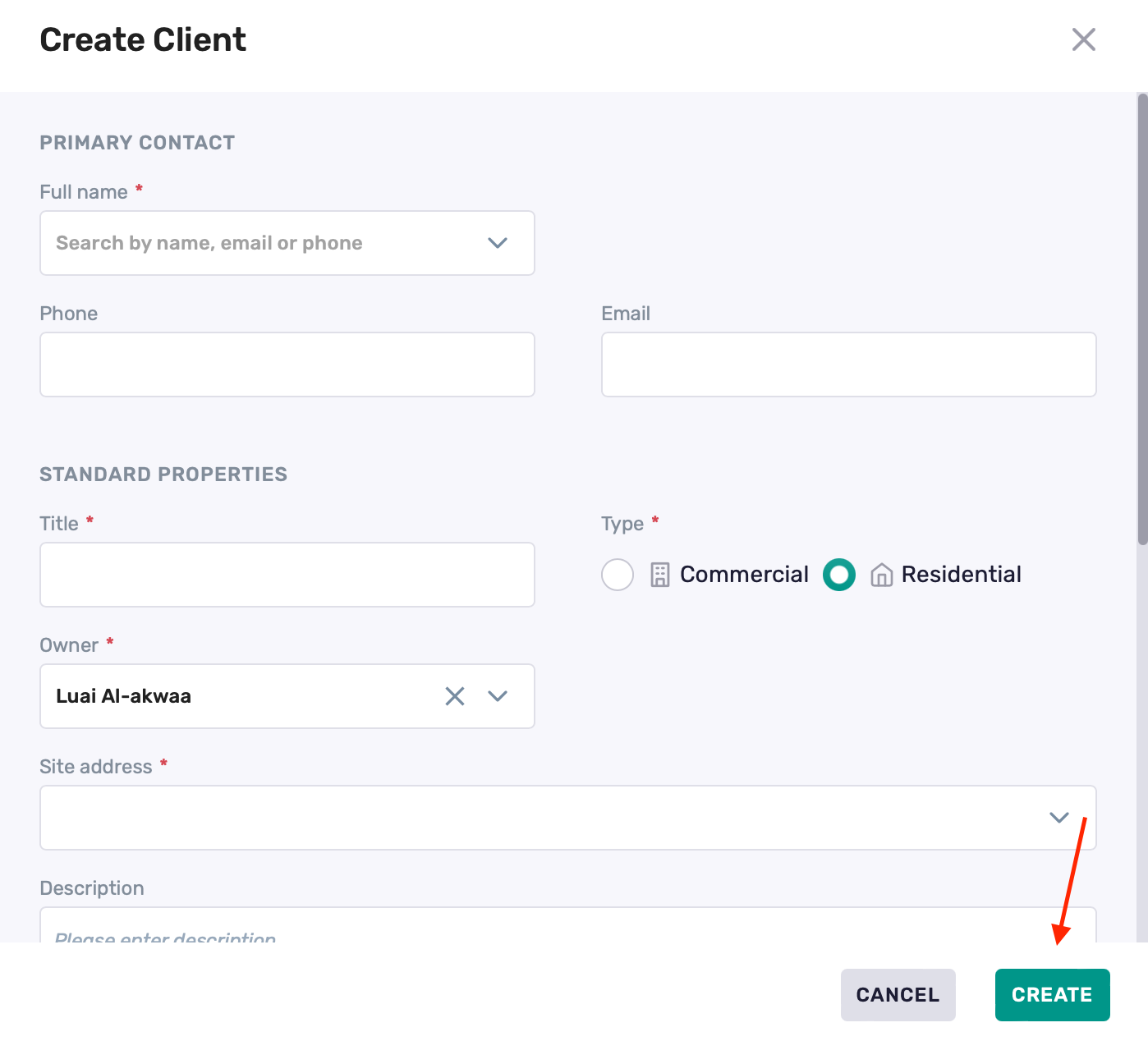
Navigate to Clients section
Click + Client in the top-right corner

Fill in all required fields
Click Create
Method 2: While Creating a Project
Steps to Create:
Navigate to Projects section
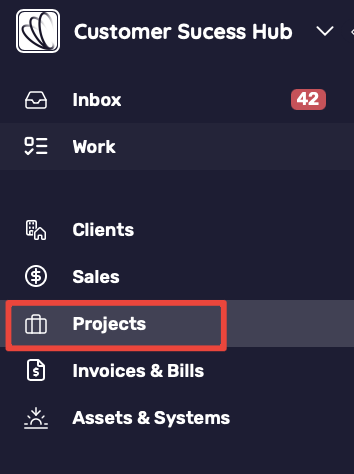
Click + Project in the top-right corner
When entering the client info, if the client doesn't exist, the system will prompt you to create a new client
Enter the new client’s details and fill in all other required fields
Click Create
A new client record will be created automatically along with the project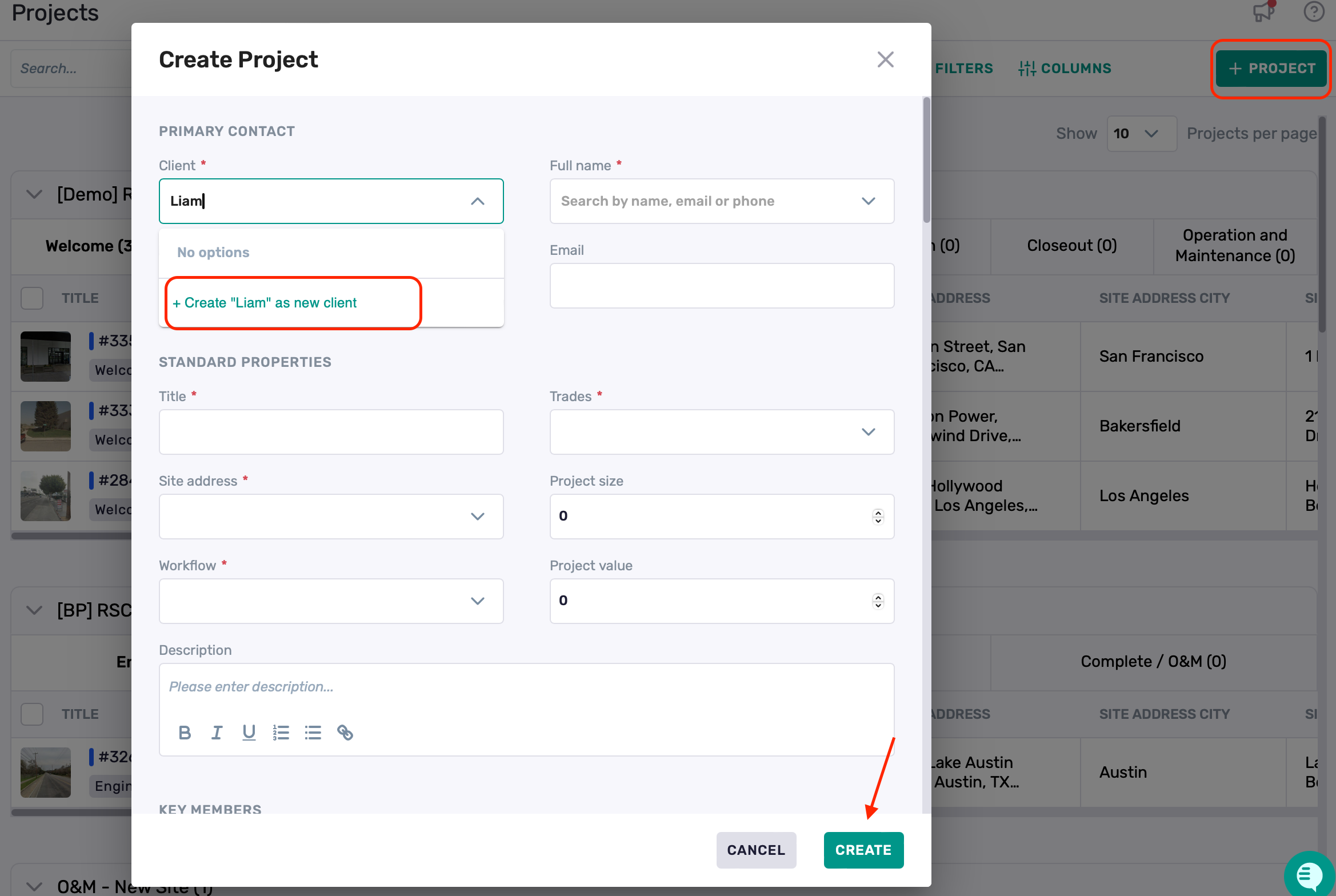
Best Practices
Use a clear client name format (e.g., "Last Name, First Name" or "Company – Region")
Add phone and email for easier communication tracking
You can always update client details later from the profile