How do I preview what my customer sees in the Portal?
Last updated: November 12, 2026
You can preview the Customer Portal to see what information and features are visible to a specific customer.
To preview the portal:
Go to CRM → Accounts and open the customer's account.
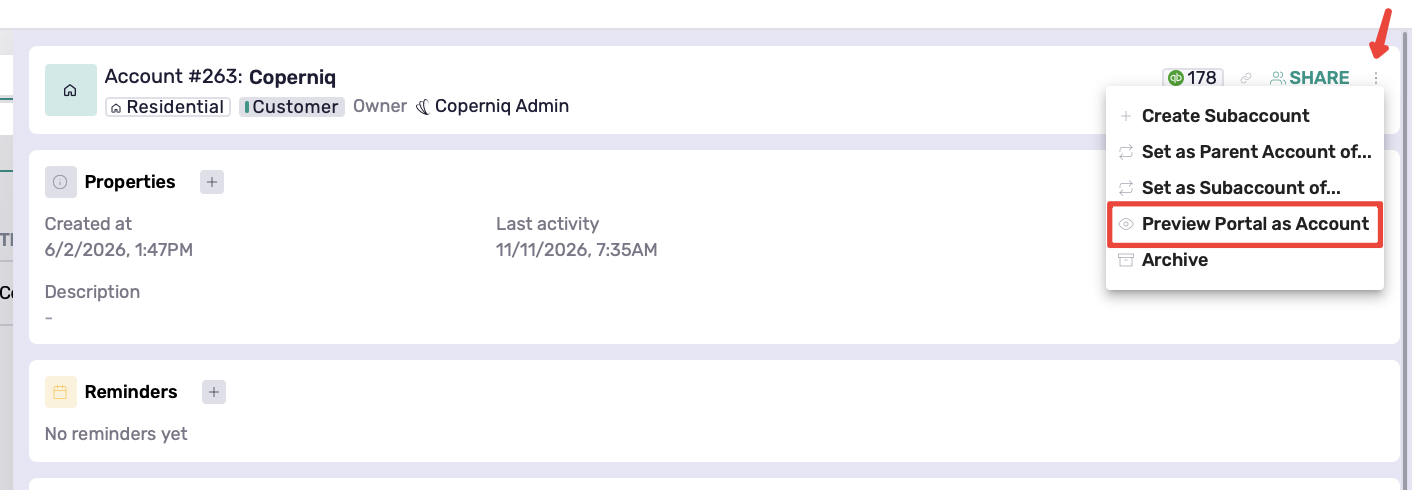
Click the three-dot menu (⋮) in the top-right corner.
Select Preview Portal as Account.
A preview will open, showing the portal from that account's perspective.