How to Setup Outbound Webhooks with Coperniq Automations
Last updated: August 4, 2026
Pre-Requisites
To create an outbound webhook with Coperniq Automations, you'll need to generate an endpoint that accepts a POST request with a JSON payload. This endpoint does not require authentication.
Coperniq Automation Setup
Click your company logo in the top left of the page to reveal the dropdown menu.
Click
Company settings, which is the gear (⚙) icon at the bottom left of the screen.
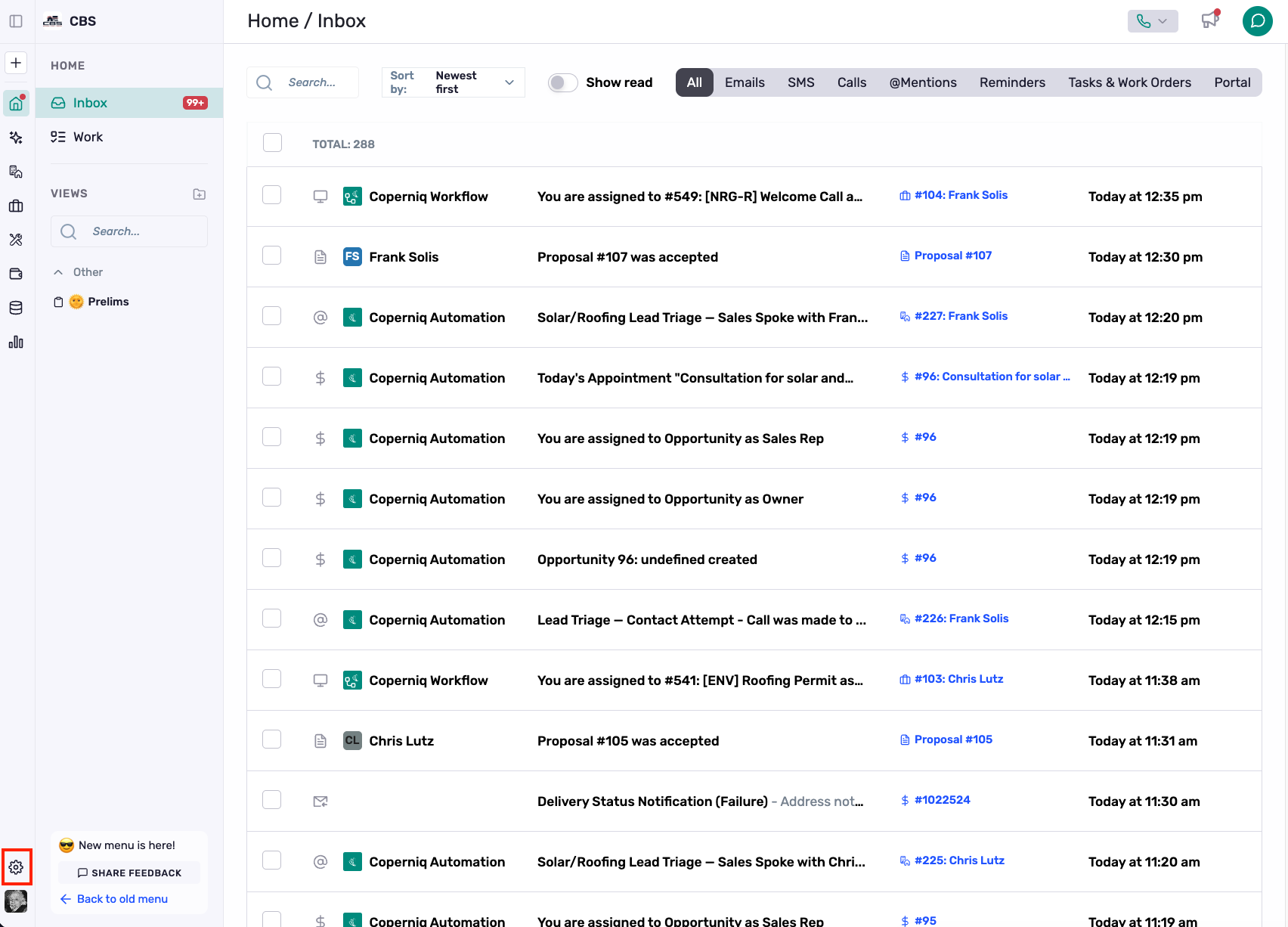
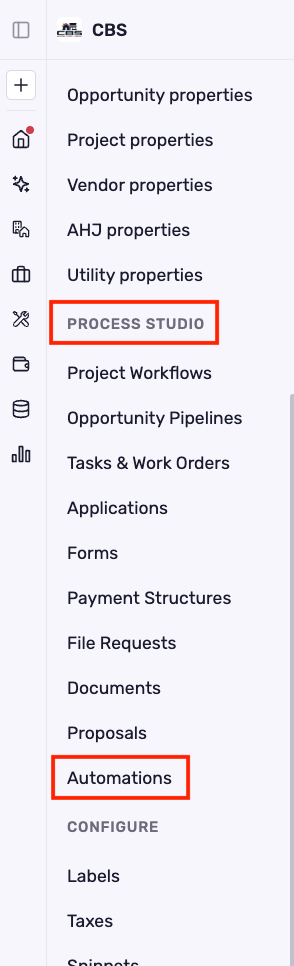
In the company settings tool bar, click
Automationsunder theProcess Studiosection.
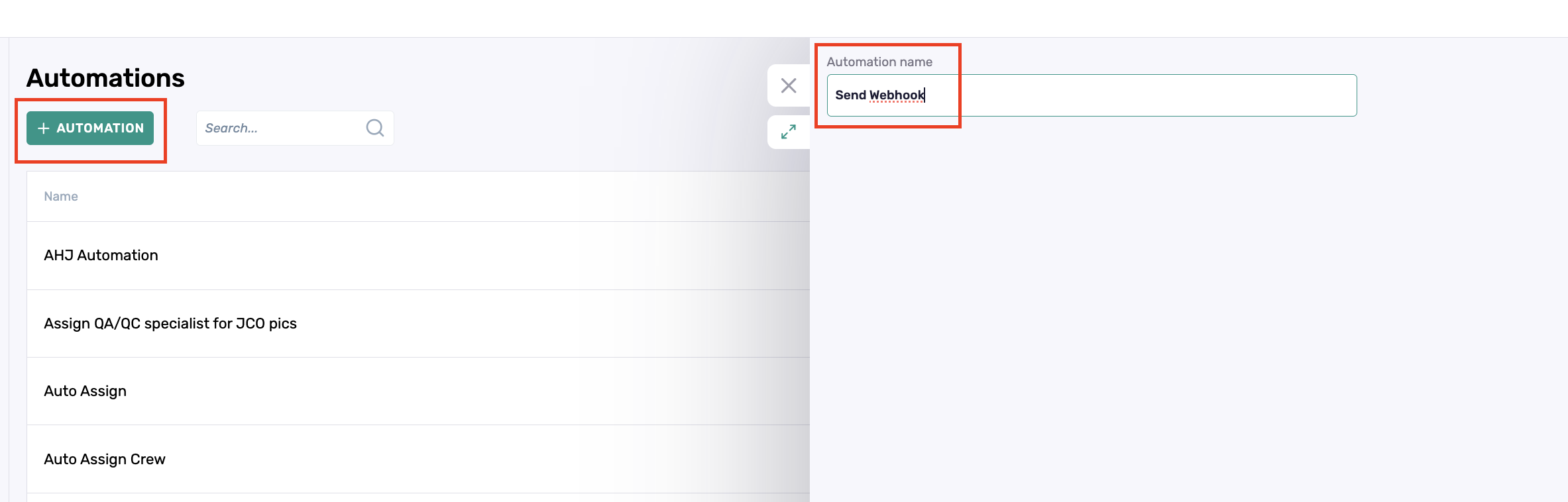
Click the green
+ AUTOMATIONbutton to create a new automation and enter an automation name.
Once a name is entered, the
TriggerandActionsections will be revealed.Select the trigger action to send the webhook. Some trigger actions include additional required settings (i.e. selecting the work order to trigger upon completion and it's parent record).
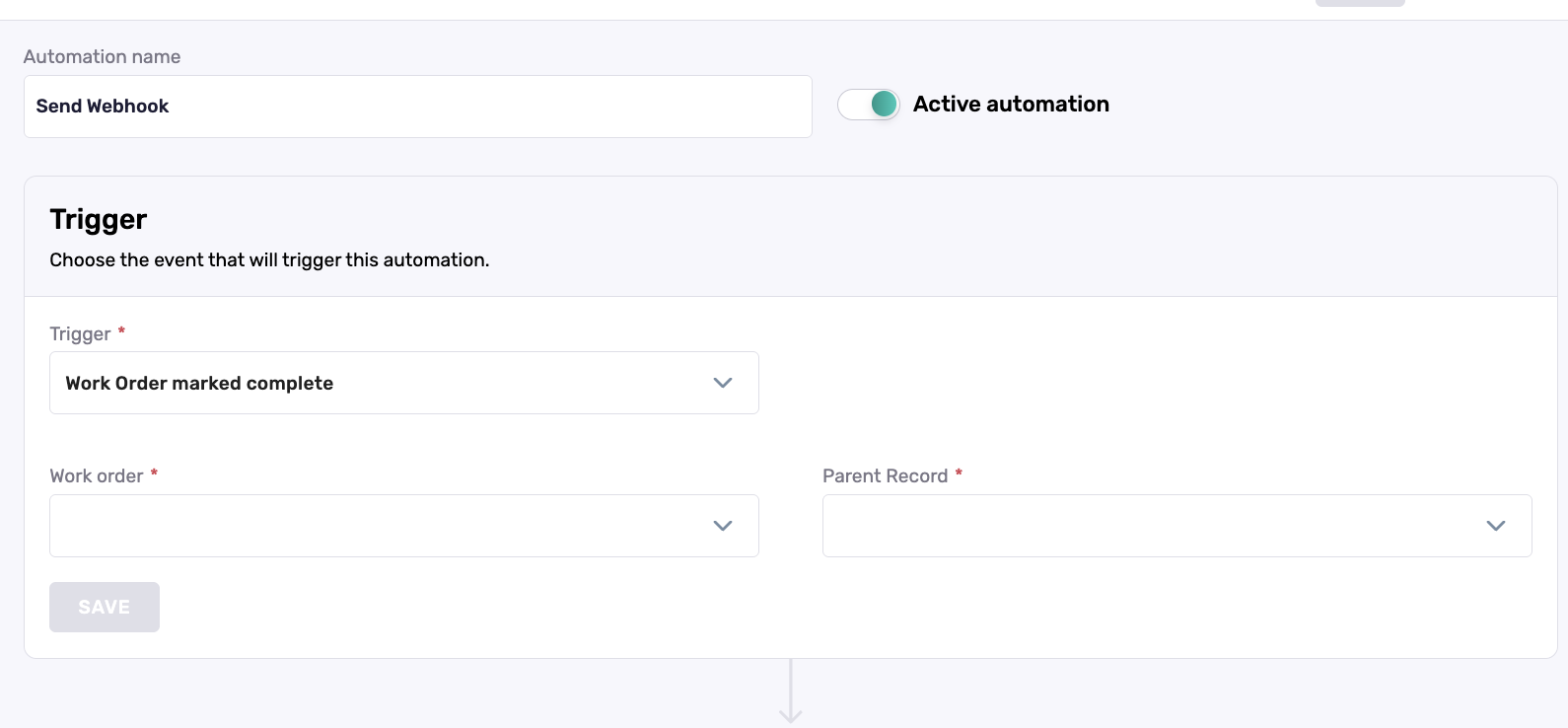
The automation is enabled by default. You can use the "Active automation" toggle button, located at the top of the automation, to turn it on or off.
Click
SAVESelect
Call webhookfor the trigger action and enter your webhook URL.
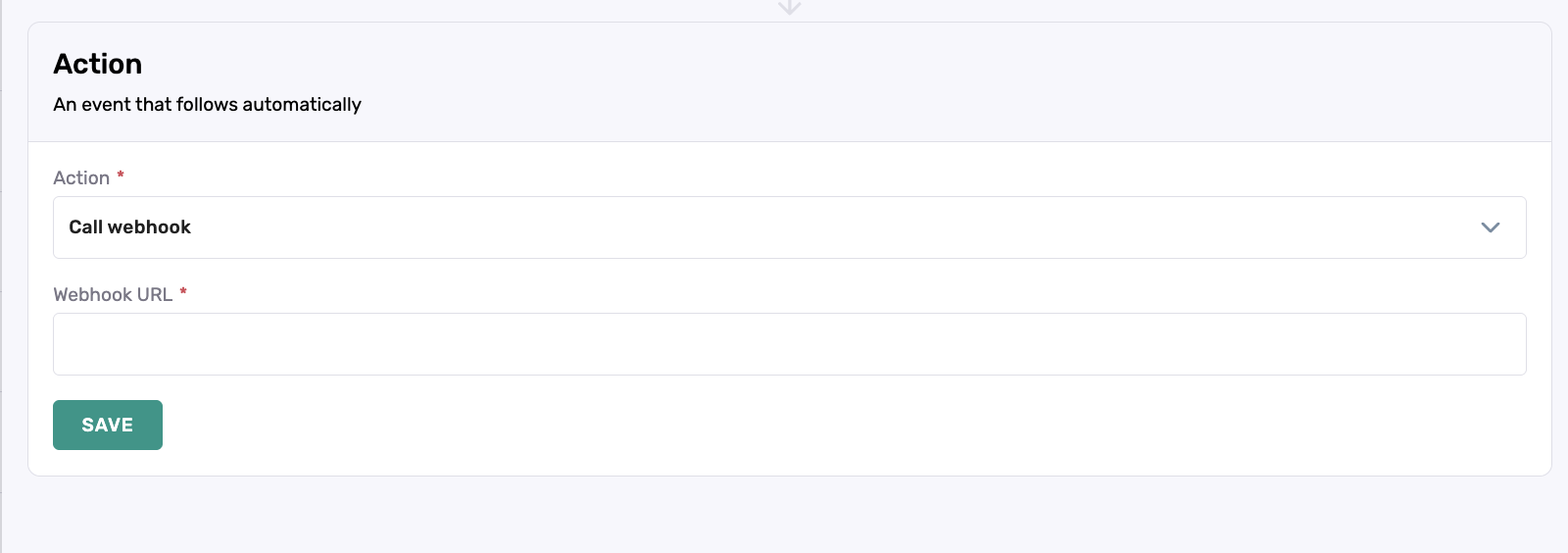
Click
SAVE
After an automation is fully configured and activated, it will only process records that meet the specified criteria from that point forward. Records created or updated before the automation was activated will not be processed retroactively.